
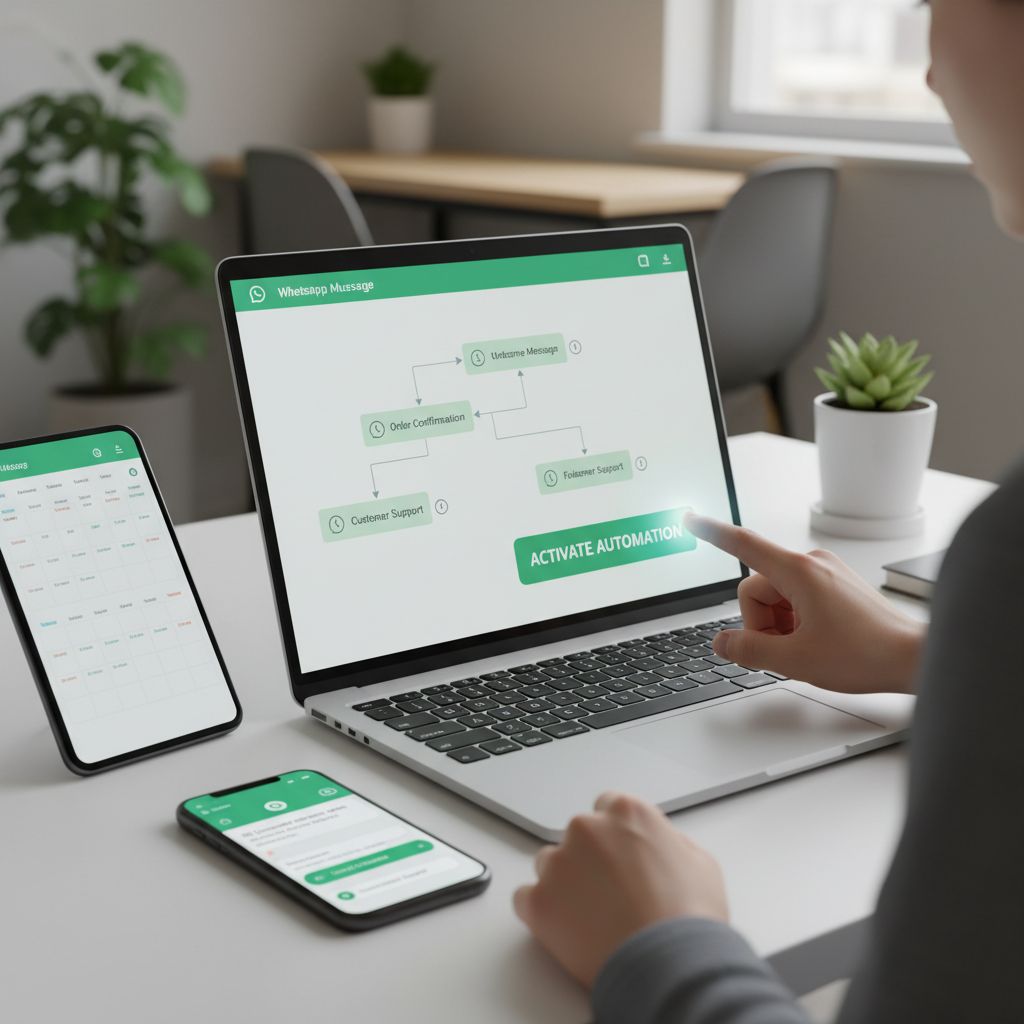
How to Automate WhatsApp Business Messages Easily
Struggling to reply to every customer on WhatsApp quickly? Missing messages or slowing down your response can hurt your business. Automate WhatsApp business messages to stay responsive and free up time. Using tools like WhatsApp Bot helps handle messages instantly while you focus on growing your business.
Why Automate WhatsApp Business Messages?
Automating WhatsApp business messages is crucial for small and medium businesses in India. Owners often miss messages because they can’t reply immediately. Customers get frustrated when answers come late or not at all. Most shopkeepers or service providers have limited hours. After closing time, messages pile up with no one to handle them. This leads to lost sales and unhappy buyers.Automation fixes these problems. It keeps chats alive even when you’re busy or offline. Automated messages respond fast, so customers feel valued. When you use WhatsApp automation, you can handle many chats at once without extra staff. This means no question gets ignored or delayed.
Good message management boosts customer engagement. When customers get quick, clear replies, they trust your business more. It also saves time by sorting common questions with automatic replies. You don’t have to answer the same questions repeatedly. Automation doesn’t replace humans but supports them. It makes your business look professional and reliable. For growing businesses, it is not just smart—it’s necessary.
Best Ways to Automate WhatsApp Business Messages
The best ways to automate WhatsApp business messages start with using the official WhatsApp Business API. This lets you send automatic replies and manage large chats without missing a beat. Pair it with a chatbot for WhatsApp to handle common questions and respond instantly, saving you time and effort.You can set up automated greetings that welcome customers as soon as they message you. Quick replies help answer frequent questions with just one tap. Schedule messages to send updates or reminders at the right moment, even when you’re offline.
Don’t forget to create FAQ responses within your message automation tools. This reduces repetitive work and keeps customers happy. While automation saves time, keep messages friendly and personal. Use the customer’s name or mention recent orders to make replies feel human, not robotic.
These simple steps improve communication and help your business stay active 24/7. With smart automation, you handle more chats without adding stress. It’s about working smarter, not harder.
How to Set Up WhatsApp Bot for Your Business
Setting up a WhatsApp Bot for your business doesn’t have to be hard. Start by registering your business phone number with the official WhatsApp Business platform. Make sure the number isn’t tied to a personal WhatsApp account. Next, choose a chatbot platform that works with WhatsApp for easy integration. Follow their instructions to connect your business number with the chatbot.Once connected, design message flows. Plan the steps your bot will take when customers send messages. Start simple: create automated greetings to welcome users. Add quick replies for common questions. Build paths to handle different queries so customers get the right answers fast. Keep your message flow clear and focused.
After setting up flows, test everything. Send test messages to your WhatsApp business line to be sure responses come through correctly. Check automated replies and make sure the bot handles unexpected messages gracefully. Adjust your flows if needed.
You can also track how your messages perform. Look at response rates and message delivery. This helps you improve your bot over time. WhatsApp Bot setup cuts time spent on replies and keeps customers engaged all day. It’s automation that works without you working all the time.
Tips to Maximise Customer Engagement Using Automation
Automated WhatsApp messages save time, but you must still keep customers interested. Start by answering messages quickly. A fast reply shows you care and keeps people engaged. Next, personalize messages. Use the customer’s name and past orders to make it feel less robotic. That simple step boosts trust and sales.Don’t stick to text only. Send pictures, videos, or voice clips to explain products better. Multimedia catches attention and makes messages feel richer. But don’t overdo it; balance automation with real human replies. People want to talk to a person when problems arise.
Look at customer replies and feedback often. Find where customers drop off or lose interest. Use WhatsApp Bot’s built-in analytics to track which messages get the best responses. Then tweak your scripts to improve those weak spots. This keeps your flow smooth and your customers happy.
Keep people coming back with follow-ups and exclusive offers in your messages. Personalize these too. Show customers you notice them. That builds loyalty and increases repeat sales. A solid mix of automation and human touch grows your business without burning you out.
Final words
Automating WhatsApp business messages helps you connect with customers faster and improves efficiency. Using WhatsApp Bot makes this simple and effective, freeing your time and growing your business. Start automating today to never miss a customer message again.Related Articles

13 AI Marketing Automation Trends That Will Dominate 2026
Comprehensive guide about 13 AI Marketing Automation Trends That Will Dominate 2026.
February 3, 2026

15 Marketing Automation Tools Every Agency Should Use in 2026
Comprehensive guide about 15 Marketing Automation Tools Every Agency Should Use in 2026.
January 29, 2026

How to Start an AI Automation Agency (AIAA)
Comprehensive guide about How to Start an AI Automation Agency (AIAA).
January 29, 2026