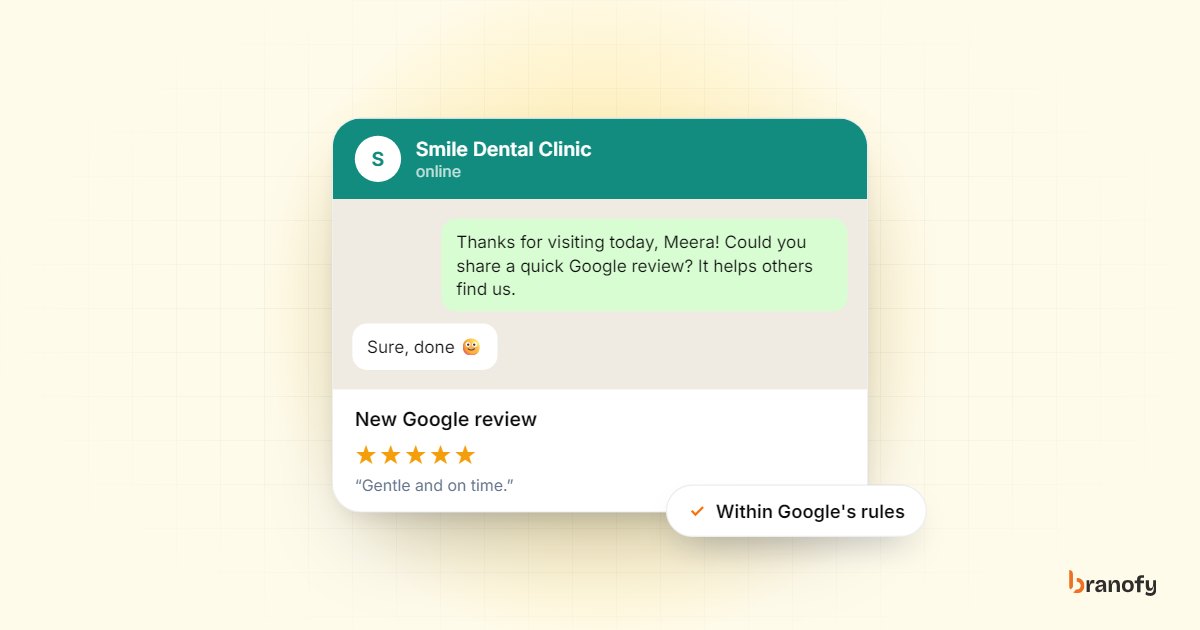
How to get more Google reviews automatically, within the rules
On this page
The way to get more Google reviews automatically is to send every customer a short, friendly review request with your direct Google review link, at the moment the service is finished, and to send one reminder if they haven't responded. Automation makes sure the request goes to everyone, every time, instead of only when someone at the front desk remembers. What you must not automate is choosing who gets asked: Google's rules say you can't filter for happy customers or offer anything in return.
This guide is for clinics, hospitals, hotels, resorts, coaching centres, car dealers and other Indian businesses that rely on local search. It covers why reviews matter, Google's rules, how to set up automated requests on WhatsApp and email, and how to respond once reviews come in.
Why Google reviews matter for a local business
When someone in Bengaluru searches for "dermatologist near me" or "resort in Coorg", the businesses shown on the map come with a star rating and a review count right next to the name. That is often the first thing people compare.
Reviews also feed directly into how Google ranks local results. Google's own page on improving your local ranking says that more reviews and positive ratings can help your business's local ranking, and that positive reviews and helpful replies can help your business stand out.
There is a quieter benefit too. A steady flow of recent reviews tells people the business is active, and the content of reviews answers questions you never got a chance to answer yourself: whether parking is easy, whether the doctor explains things well, whether the rooms are clean.
Google's rules: what you can and cannot do
Before automating anything, know the rules. Google's prohibited and restricted content policy for Maps reviews is clear on these points:
- No incentives. Merchants may not offer incentives such as payment, discounts, or free goods or services in exchange for reviews. "A discount on your next visit for a five-star review" is not allowed, and neither is a discount for any review at all.
- No review gating. Merchants may not discourage or prohibit negative reviews, or selectively solicit positive reviews from customers. You cannot send a "How was your experience?" message first and then share the Google link only with people who said they were happy.
- No fake or paid reviews. Reviews that have been paid for, directly or in kind, count as fake engagement and are removed. So are reviews posted from multiple accounts by or at the request of one person.
- No conflicts of interest. Reviews from current or former employees, or people with a professional or personal relationship to the business, are not allowed. The policy also calls out merchants asking staff to solicit a certain number of reviews.
What you can do is ask. Google's own tips to get more reviews suggest asking customers to visit a Google link or scan a QR code, and replying to reviews to show customers their feedback matters.
Breaking these rules risks reviews being removed and restrictions on your Business Profile. It is not worth it, and it isn't necessary: a business that asks every customer, consistently, will build reviews steadily on its own.
Step 1: get your direct review link
Google lets you create a review link or QR code from your Business Profile. Open your profile, choose the option to get more reviews, and copy the link or download the QR code.
Use the link in messages and the QR code in the physical world:
- Reception desks, billing counters and checkout.
- Printed on invoices, prescription envelopes or hotel checkout folders.
- At the end of email receipts.
The link takes people straight to the review box, which removes the most common reason people don't review: they can't find where to do it.
Step 2: decide the right moment to ask
Timing matters more than wording. Ask when the experience is complete and fresh.
| Business | When to send the request |
|---|---|
| Clinic or hospital | A few hours after the consultation, or after discharge once the patient is home |
| Hotel or resort | After checkout, once the guest has reached home |
| Car dealer or service centre | The day after delivery or after the vehicle is returned from service |
| Coaching or training centre | After a first class, course completion or result announcement |
| Interiors or home services | After handover, once the client has used the space for a few days |
Avoid asking in the middle of an unresolved issue. If a patient is waiting for reports or a guest has an open complaint, fix that first. That is not gating, as long as the request still goes to everyone once the job is done.
Step 3: write a short, honest request
Most Indian customers respond better to a personal WhatsApp message than to a formal email, so make WhatsApp your main channel and email the backup. Keep the message short, name the business and the service, and include the link.
A WhatsApp example for a clinic:
Hi [Name], thank you for visiting [Clinic name] in JP Nagar today. If you have a minute, we would really value your honest review on Google. It helps other patients find us: [review link]
For a resort:
Hi [Name], thank you for staying with us at [Resort name] in Coorg. We hope the drive back was smooth. If you can share your honest experience on Google, it helps other families decide: [review link]
What to keep in mind:
- Ask for an honest review, not a five-star one.
- Don't mention any reward, discount or gift.
- Send it from the business's number, not a staff member's personal phone.
- Offer the message in the customer's language if your clientele prefers Hindi, Kannada, Tamil or another language.
Step 4: automate the request and one reminder
This is where automation earns its place. Instead of relying on reception staff to remember, link the review request to a status change in your CRM.
A simple sequence:
- Trigger: the lead or customer is marked "Visited", "Checked out", "Delivered" or "Completed".
- Message 1 (WhatsApp): the review request, a few hours later or the next morning.
- Message 2 (email): the same request a couple of days later, for customers you have email addresses for.
- Stop: no more than one reminder. Repeated nudges annoy people and reflect badly on you.
Branofy's Follow-up Automation can run sequences like this on WhatsApp and email (Gmail), triggered by lead status in the CRM. It is included with the Inbox Agent, or available on its own; current pricing is on the pricing page. Because the trigger is a status that every customer passes through, every customer gets the same request, which keeps you on the right side of the no-gating rule.
A few practical points for WhatsApp:
- Only message customers who have agreed to hear from you on WhatsApp, for example when they booked or registered.
- Business-initiated WhatsApp messages need approved templates, so get your review request template approved before you start.
- Meta bills WhatsApp messages per message. With Branofy, those charges go to Meta directly at Meta's rate with no markup; our answer on WhatsApp pricing explains this.
Step 5: handle unhappy customers properly, without gating
You will sometimes hear about a bad experience before a review appears. That is useful, and there is a right way to use it.
- Keep a separate feedback channel open to everyone: a reply to the WhatsApp message, a phone number, or a feedback form. Mention it in your messages if you like.
- Respond quickly when someone complains, and try to resolve it.
- Do not withhold the Google link from someone because they complained. They can still choose to review you, and you must not discourage them.
If your service is consistently good, honest reviews from everyone will show it. If it isn't, the reviews will tell you what to fix.
Step 6: reply to every review
Replies are seen by everyone reading your profile, not just the reviewer. Google's tips to get more reviews recommend replying to all reviews, including negative ones, keeping replies short and direct, and avoiding promotional offers in replies.
Replying to positive reviews
Thank them by name, mention something specific from their review, and keep it brief.
Thank you, [Name]. We're glad the physiotherapy sessions helped your knee, and our team will be happy to hear it.
Replying to negative reviews
- Reply promptly and calmly. Don't argue in public.
- Acknowledge the problem without making excuses.
- Take it offline: share a phone number or ask them to message you so you can resolve it.
- Never share private details. For clinics and hospitals especially, do not mention diagnoses, treatments or anything that identifies the patient beyond what they wrote.
We're sorry the wait time was so long on Saturday, [Name]. That isn't the experience we want for anyone. Please message us on our clinic number so our manager can look into it personally.
Prospective customers often read the negative reviews first. A calm, helpful reply can matter more to them than the original complaint.
Measure what is working
Check these monthly:
- Review requests sent.
- New Google reviews received.
- Average rating, and how it is trending.
- Common themes in what people praise and complain about.
- Your reply rate and how quickly you reply.
If requests go out but reviews don't come in, test the timing and wording. If reviews come in but the rating is falling, the problem is the service, not the review process.
For more on how clinics and hotels handle patient and guest communication end to end, see our healthcare page and hospitality page.
Frequently asked questions
Is it allowed to automate Google review requests?
+
Yes. Asking customers for reviews is allowed, and sending the request automatically after a service is simply a consistent way of asking. What is not allowed is offering incentives, filtering so only happy customers are asked, or posting fake reviews.
Can I send the review link only to satisfied customers?
+
No. Google's policy says merchants may not discourage negative reviews or selectively solicit positive ones. Send the same request to every customer, and handle complaints through a separate channel without withholding the link.
Can I offer a discount or gift for leaving a review?
+
No. Google's policy specifically prohibits offering payment, discounts, or free goods or services in exchange for reviews. This applies even if you don't ask for a positive review.
How many times should I remind a customer?
+
Once is usually enough. Send the first request at the right moment and, if there is no review, one reminder a couple of days later. More than that tends to irritate customers.
Should I reply to every Google review?
+
Yes. Replying to positive reviews shows appreciation, and calm, helpful replies to negative reviews show prospective customers how you handle problems. Keep replies short, avoid promotions and never share a customer's private information.
How Branofy does this for you
Branofy automates your follow-up without the tool juggling
- Follow-up Automation triggers WhatsApp and email sequences on lead status, score or inactivity.
- It runs inside Lead Navigator, next to your CRM, AI calling and inbox, with no separate tools to connect.
- It's included free with the Inbox Agent, or available on its own from ₹1,500 a month.
Want this working for your leads?
Leave your details and we'll call you back to show Branofy on your own lead flow.
Related Articles
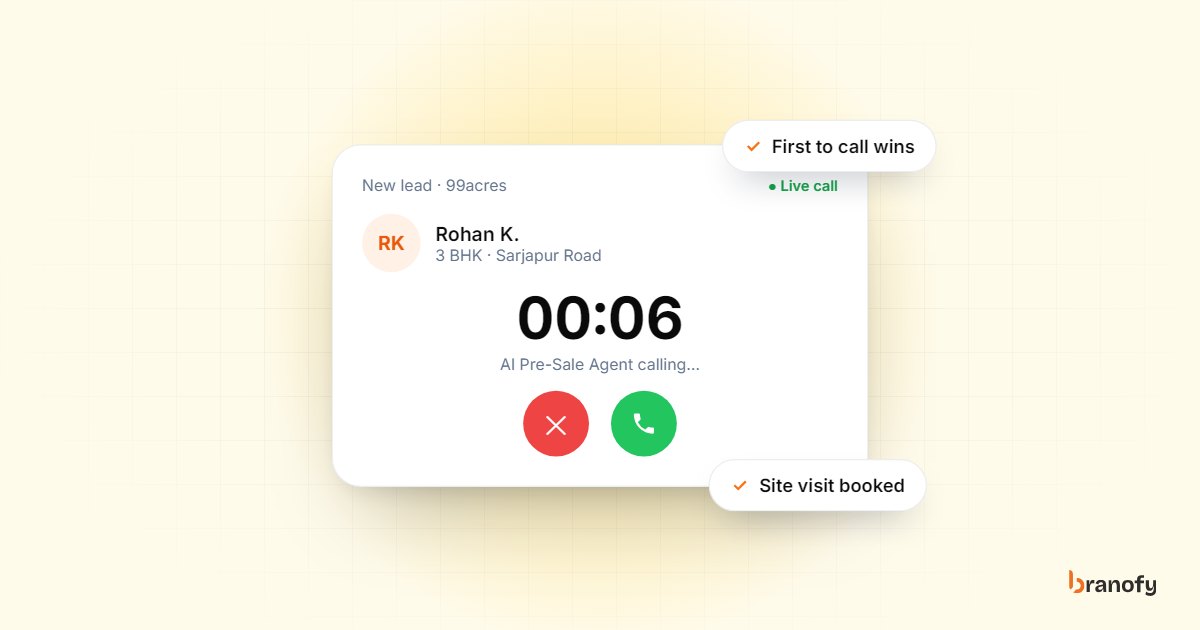
Speed-to-lead in Indian real estate: why the first call wins
Indian property buyers enquire with several projects at once, and the developer who calls first usually books the visit. How to get your response time down.
October 27, 2026
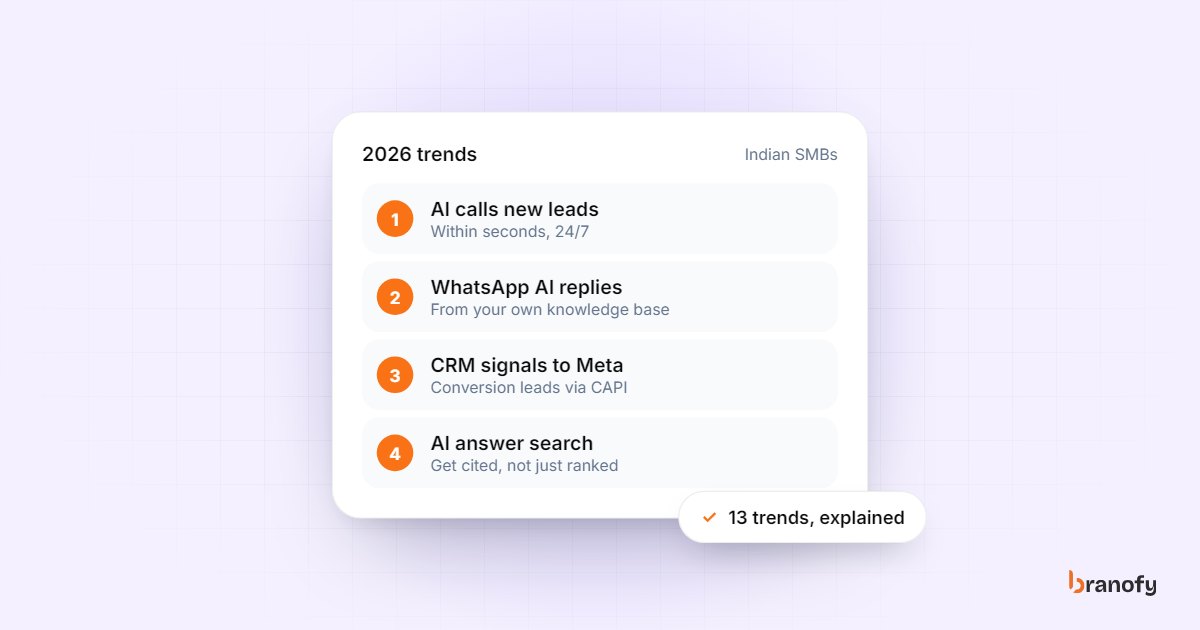
13 AI marketing automation trends for Indian SMBs in 2026
The AI marketing automation trends that matter for Indian SMBs buying leads from Meta, Google and portals in 2026, and which ones to act on first this year.
February 3, 2026
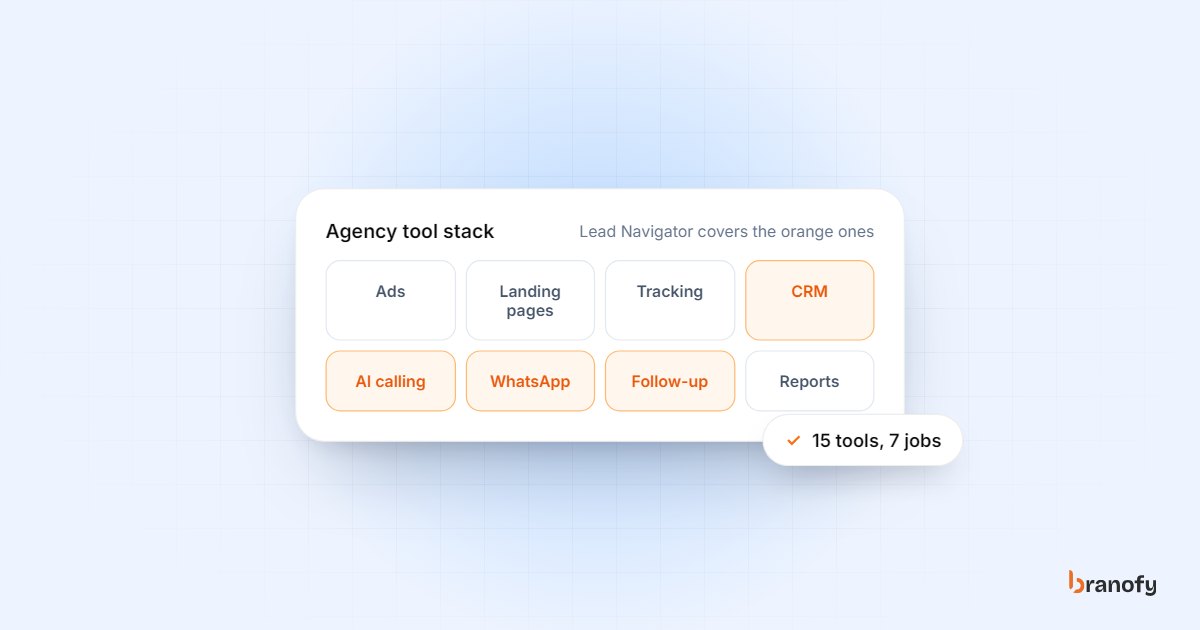
15 marketing automation tools every agency needs in 2026
The 15 marketing automation tools and jobs an Indian agency needs in 2026, from ad platforms and landing pages to instant lead calling, WhatsApp and reporting.
January 29, 2026