n8n vs Zapier for business: which automation tool should you use?
On this page
Zapier is a fully hosted automation service that is easy for non-technical teams and charges by the number of tasks your automations complete. n8n is a workflow tool you can either use on n8n's cloud or host on your own server, it suits teams with some technical skill, and its paid plans charge by the number of workflow runs rather than steps. For a small business with simple app-to-app automations and no developer, Zapier is usually quicker to start; for a team that wants complex workflows, control over data and predictable costs at volume, n8n is usually the better fit.
This guide explains how each tool works, how their pricing models differ, who each suits, and when a single platform makes both unnecessary for lead follow-up.
What Zapier is
Zapier connects the apps you already use. You build a "Zap": a trigger (a new row in Google Sheets, a new form submission, a new email) followed by one or more actions (create a contact, send a message, update a record).
Key points:
- Fully hosted. There is nothing to install or maintain. You sign in and build in the browser.
- Built for non-developers. The editor walks you step by step through choosing apps, connecting accounts and mapping fields.
- Large library of ready-made app connections, so most popular tools can be connected without code.
- Built-in helpers for filtering, formatting data and branching logic.
What n8n is
n8n is a visual workflow builder where you connect "nodes" on a canvas. Each node is an app, a piece of logic or a bit of code, and the whole chain is a workflow.
Key points:
- Two ways to run it. Use n8n's hosted cloud plans, or run the Community Edition, which is available on GitHub, on your own server.
- More technical. It is still visual, but complex workflows often involve working with JSON data, expressions and sometimes JavaScript or Python code.
- Flexible. Loops, branching, error handling, custom HTTP requests to any API, and AI steps can all sit in one workflow.
- Fair-code licence. The main n8n code is under the Sustainable Use License, which allows use and modification for your own internal business purposes or for non-commercial and personal use. If you plan to offer n8n itself to others as a paid service, read the licence carefully first.
How the pricing models differ
This is where the two tools differ most. The prices below are each tool's own published prices in their own currencies; they change from time to time, so always check the live pricing pages before deciding.
Zapier: priced by tasks
Zapier's pricing page explains that a task is counted each time Zapier successfully completes a unit of work, such as an action step. Failed actions are not counted, and triggers and built-in tools like Filter, Formatter and Paths don't use tasks.
At the time of writing, Zapier lists:
- Free: 100 tasks a month, two-step Zaps, one seat.
- Professional: from US$19.99 a month billed annually for 750 tasks, with higher task tiers at higher prices.
- Team: from US$69 a month billed annually for 2,000 tasks, for multiple users.
- Enterprise: custom pricing.
What this means in practice: a five-step Zap that runs once uses several tasks, because each successful action step counts. As your volume or the number of steps grows, so does your task usage.
n8n: priced by executions
n8n's pricing page defines an execution as a single run of your entire workflow, regardless of how many steps it has or how much data it processes. Paid plans include unlimited users, unlimited workflows and every integration.
At the time of writing, n8n lists, billed annually:
- Starter: €20 a month for 2,500 executions, hosted by n8n.
- Pro: €50 a month for 10,000 executions, hosted by n8n.
- Business: €667 a month for 40,000 executions, self-hosted, with features such as SSO.
- Enterprise: custom pricing.
The self-hosted Community Edition has no licence fee in n8n's pricing tables, but it isn't free to run: you pay for a server and for someone's time to set it up, secure it, update it and fix it when something breaks.
Why the difference matters
| Zapier | n8n | |
|---|---|---|
| Hosting | Hosted by Zapier only | n8n cloud, or self-hosted on your own server |
| What you pay for | Tasks (each successful action step) | Executions (each full workflow run) |
| Long, multi-step workflows | Cost grows with every step | One run counts once, however many steps |
| Ease for non-technical users | Easier; guided step-by-step builder | Steeper; visual but more technical |
| Custom code and logic | Available, but not the main way of working | Central to how advanced workflows are built |
| Data control | Data passes through Zapier's cloud | Self-hosting keeps workflows on your own server |
| Maintenance | Handled by Zapier | Handled by n8n on cloud; by you when self-hosted |
Who should pick Zapier
Zapier suits businesses that:
- Have no developer and want the owner or an operations person to build automations.
- Need simple, low-volume automations, such as copying new form entries to Google Sheets or sending a Slack-style alert when an order arrives.
- Want something running today, without thinking about servers.
- Value support and reliability over the lowest possible cost at high volume.
Watch out for: task usage climbing as you add steps or volume. Look at the task history every month, and combine steps where you can.
Who should pick n8n
n8n suits businesses that:
- Have a developer or a technically comfortable team member, or an agency that manages automations for them.
- Run long or complex workflows, where execution-based pricing is more predictable than per-step pricing.
- Need to call custom APIs or internal systems that don't have a ready-made connector.
- Want control over where data lives, which self-hosting allows.
Watch out for: the hidden cost of self-hosting. If nobody is responsible for updates, backups and monitoring, a broken workflow can go unnoticed for days. If you don't have that person, use n8n's cloud plans instead.
The common mistake: using glue tools for lead follow-up
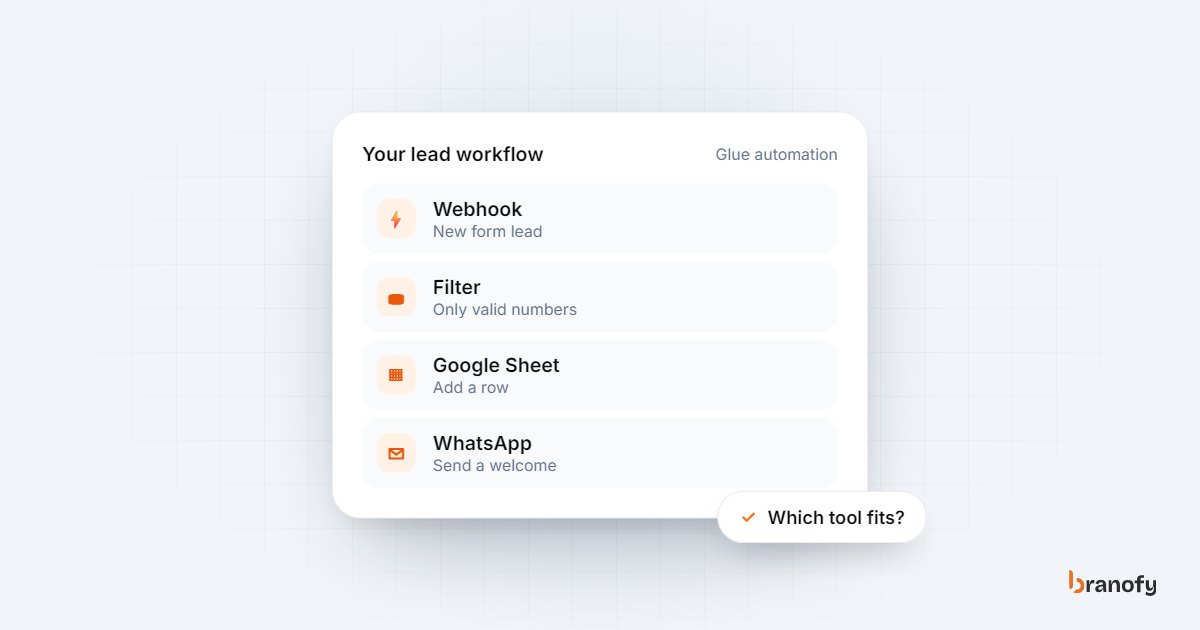
A common reason Indian SMBs look at Zapier or n8n is one job: getting leads from Meta ads, Google ads or a website form to the sales team quickly, and following them up. A typical setup looks like this:
- A Meta lead form submission triggers the workflow.
- The lead is added to a Google Sheet.
- A WhatsApp or email alert goes to a salesperson.
- A welcome message is sent to the lead.
- A reminder fires if nobody updates the sheet.
It works, at first. Then problems appear:
- Every new lead source is another workflow to build and maintain (portals like 99acres and MagicBricks, Google Ads, the website).
- When a connection breaks, leads silently stop flowing, and nobody notices until the sales team asks where the leads went.
- The automation moves data but doesn't talk to the lead. Somebody still has to call, qualify and follow up.
- There is no single view of which campaign produced which qualified lead or site visit.
For this specific job, an all-in-one sales platform usually makes more sense than gluing tools together. Branofy's Lead Navigator captures leads from Meta Ads, Google Ads, 99acres, MagicBricks, Google Sheets, website forms and webhooks into one CRM, calls every new lead within 10 seconds with the Pre-Sale Agent, replies on WhatsApp and Instagram with the Inbox Agent, and runs WhatsApp and email follow-up sequences based on lead status, with alerts when a lead goes quiet for one, three or seven days. Nothing needs to be stitched together for lead follow-up, so there is nothing to silently break between steps. Plans are on the pricing page.
That doesn't make Zapier or n8n useless. They remain good choices for everything outside the sales pipeline: accounting exports, internal reports, inventory updates, HR forms and other operations work.
How to decide in five questions
- Who will build and fix the automations? No technical person: lean Zapier. A developer or technical agency: n8n is an option.
- How many steps and runs? Short, occasional workflows: Zapier's task model is fine. Long, frequent workflows: compare n8n's execution pricing.
- Does data need to stay on your own server? If yes, self-hosted n8n.
- Who maintains the server? If nobody, don't self-host. Use a hosted plan.
- Is the main job lead follow-up? If yes, consider a sales platform that handles capture, calling, WhatsApp and follow-up in one place before building workflows at all. Our guide on why lead response time matters explains what is at stake.
Agencies that build automations for clients can also look at the Branofy partner programme, which lets an agency resell the platform instead of maintaining custom lead workflows for every client.
Frequently asked questions
Is n8n free?
+
The self-hosted Community Edition is available on GitHub and has no licence fee listed in n8n's pricing tables, but you pay for the server and the time to maintain it. n8n's hosted cloud plans are paid and are priced by the number of workflow executions per month.
What is the difference between a Zapier task and an n8n execution?
+
A Zapier task is counted each time an action step completes successfully, so a multi-step Zap uses several tasks per run. An n8n execution is one full run of a workflow, however many steps it contains.
Which is better for a small business with no developer?
+
Usually Zapier, because it is fully hosted and its builder guides you through each step. n8n is more flexible but expects more technical comfort, especially for complex workflows or self-hosting.
Can I use n8n to build automations for my clients?
+
n8n's Sustainable Use License allows use for your own internal business purposes and for non-commercial or personal use, with limits on offering the software to others. Read the licence and n8n's terms carefully before building a client service around it.
Do I need Zapier or n8n to follow up on Meta and portal leads?
+
Not necessarily. A sales platform that captures leads from your ad accounts and portals, calls them instantly and runs WhatsApp and email follow-ups removes the need for separate glue workflows for that job. Keep Zapier or n8n for operations tasks outside the sales pipeline.
How Branofy does this for you
Branofy automates your follow-up without the tool juggling
- Follow-up Automation triggers WhatsApp and email sequences on lead status, score or inactivity.
- It runs inside Lead Navigator, next to your CRM, AI calling and inbox, with no separate tools to connect.
- It's included free with the Inbox Agent, or available on its own from ₹1,500 a month.
Want this working for your leads?
Leave your details and we'll call you back to show Branofy on your own lead flow.
Related Articles
Speed-to-lead in Indian real estate: why the first call wins
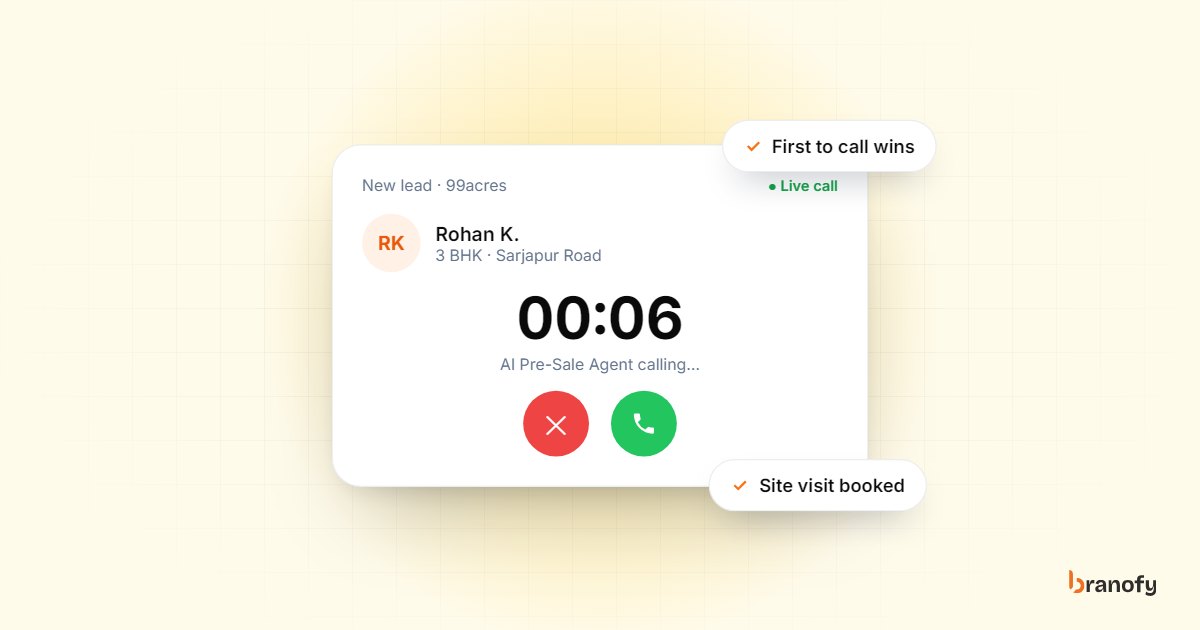
Indian property buyers enquire with several projects at once, and the developer who calls first usually books the visit. How to get your response time down.
October 27, 2026
13 AI marketing automation trends for Indian SMBs in 2026
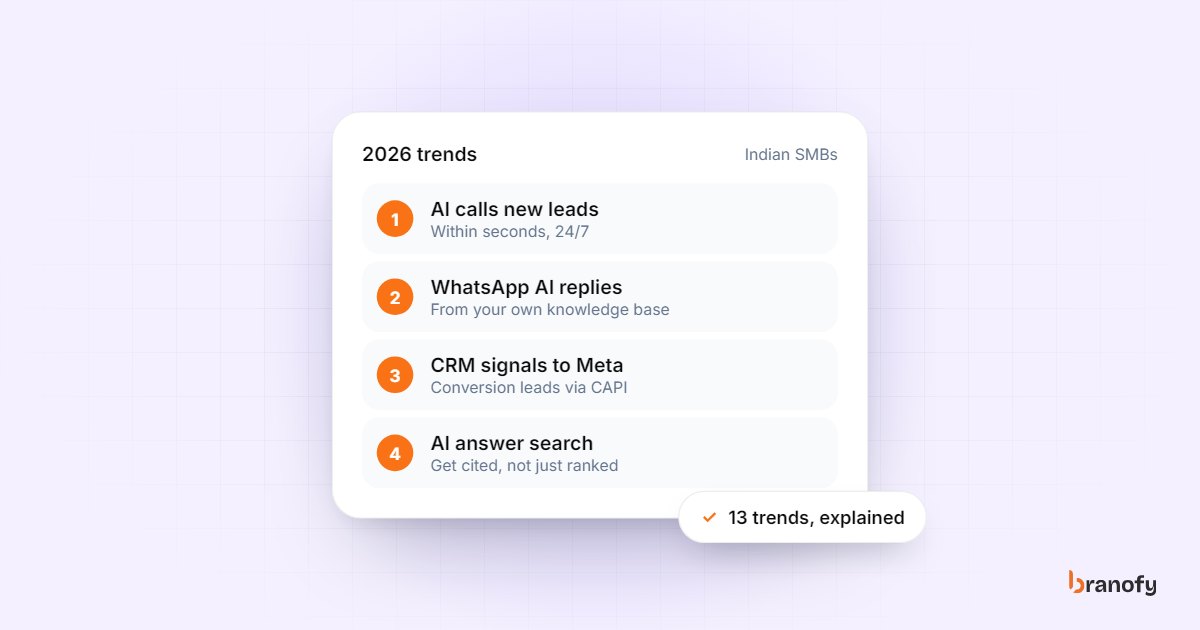
The AI marketing automation trends that matter for Indian SMBs buying leads from Meta, Google and portals in 2026, and which ones to act on first this year.
February 3, 2026
15 marketing automation tools every agency needs in 2026
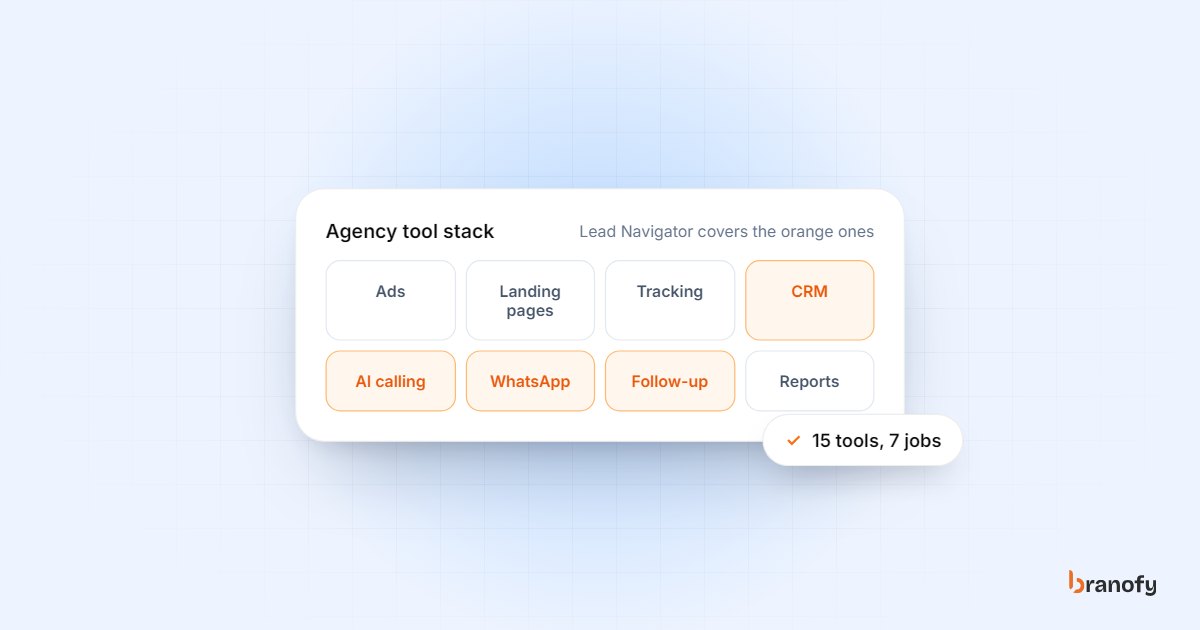
The 15 marketing automation tools and jobs an Indian agency needs in 2026, from ad platforms and landing pages to instant lead calling, WhatsApp and reporting.
January 29, 2026