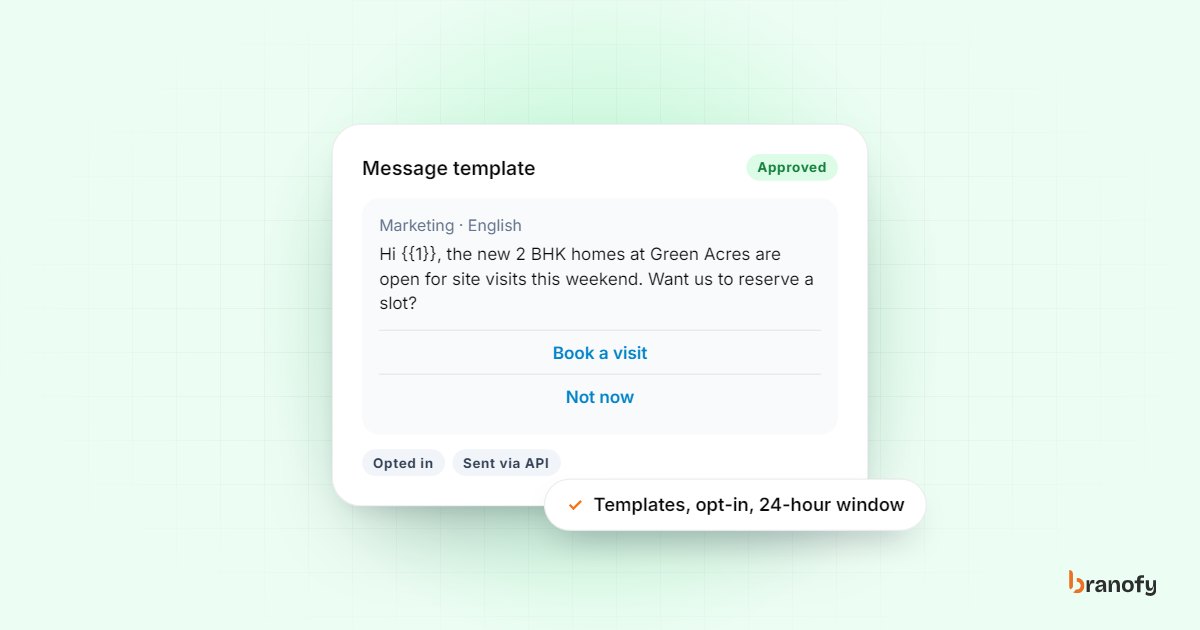
How to automate WhatsApp Business messages the right way
On this page
To automate WhatsApp Business messages properly, you need the WhatsApp Business Platform (the API), approved message templates, and customers who have opted in to hear from you. The free WhatsApp Business app can handle a greeting, an away message and saved quick replies, but real automation, such as instant replies to every enquiry, follow-up sequences and broadcasts, runs on the API through a platform connected to your business number. Once that is in place, automate the repetitive messages and keep people for the conversations that need judgement.
This guide explains the rules that trip most businesses up, what each message costs, and what to automate first if you sell to Indian customers who reach you on WhatsApp.
WhatsApp Business app vs WhatsApp Business Platform
There are two products with similar names, and they do different jobs.
The WhatsApp Business app
The free app on your phone. It gives you a business profile, a catalogue, labels, and three basic tools:
- Greeting message for people who message you for the first time.
- Away message for times you set as closed.
- Quick replies, which are saved answers you send yourself by typing a shortcut.
None of these reads what the customer wrote or answers their question. They are useful for a small shop that gets a few chats a day. They do not scale to a team handling hundreds of Meta ad leads.
The WhatsApp Business Platform (API)
The version businesses connect to software. It allows:
- Several team members working from one number in a shared inbox.
- Automated replies based on what the customer actually asked.
- Template messages you can send to opted-in customers at any time.
- Broadcasts to segments of your contact list.
- Triggers from your CRM, such as "send this when a lead is marked warm".
If you want to automate WhatsApp in any meaningful way, this is the version you need. It is accessed through a platform or provider rather than through the phone app.
The rules you have to work within
Meta sets the rules for the API, and they shape what you can automate.
Opt-in comes first
Meta's pricing and policy documentation is direct about it: you can only send messages to WhatsApp users who have opted in to receiving messages from you. In practice, collect opt-in on your lead form, landing page or in the first chat, and record it against the contact.
Messaging people who never agreed to hear from you is the fastest way to get blocked, reported and have your number's quality rating fall.
The 24-hour customer service window
When a customer messages you, a 24-hour customer service window opens, and it resets every time they message again. Inside that window you can reply with normal free-form messages: text, images, documents, location pins.
Outside it, you can only start a conversation with an approved template. That is why a lead who enquired on Monday and went quiet cannot be sent a casual "Hi, any update?" on Thursday. It has to be a template.
Templates must be approved
Meta's message template documentation says templates must be approved before they can be sent, and that review can take up to 24 hours. Every template is categorised as marketing, utility or authentication:
- Marketing: offers, launches, event invites, re-engagement.
- Utility: updates about something the customer already started, such as a booking confirmation, appointment reminder or payment receipt.
- Authentication: one-time passwords.
Write templates in plain language with clear variables (name, project, date, time). Templates that look like spam, or utility templates that are really promotions, tend to get rejected or recategorised.
What WhatsApp messages cost
Meta charges per delivered message, and the rate depends on the template category and the recipient's country. Customers messaging you is not charged.
For a marketing template sent to an Indian number, Meta's rate is ₹0.8631 per message before GST, effective 1 January 2026. Utility and authentication templates have their own, separate rates, and Meta can update rates at the start of each quarter.
A few other points from Meta's pricing page worth knowing:
- Service messages (your free-form replies inside the 24-hour window) are charged again from 1 October 2026, but each business phone number gets a free tier of 1,000 delivered service messages a month.
- Click-to-WhatsApp ads open a free entry point window that can stay open for up to 7 days when the customer messages you from the ad on Android or iOS. Messages you send in that window are not charged.
Rates and rules change, so check Meta's page before you budget. Some platforms add their own markup on top of Meta's rate. Branofy does not: WhatsApp messages are billed by Meta directly at Meta's rate, with 0% markup from us. We explain this in our answer on WhatsApp markup.
What to automate first
Start with the messages your team sends most often and gets wrong or late. For most SMBs that buy leads, the order is:
1. The instant reply to a new enquiry
When someone fills in a Meta lead form or messages you from an ad, reply within seconds. Introduce the business, confirm what they asked about, and send the one thing they most likely want: a brochure, price sheet, course fee structure or clinic location.
For a developer in Pune, that might be the project brochure and location pin. For a coaching centre, the batch timings and fee details. The first message sets the tone; make it useful, not a generic "Thanks for contacting us".
2. Answers to the common questions
Most WhatsApp questions repeat: price, location, timings, availability, documents needed, parking, EMI options. An AI agent that answers from your own information handles these at any hour and in a consistent way.
Our Inbox Agent replies on WhatsApp, Instagram DM, Facebook Messenger and your website chatbot from a knowledge base you control. It escalates to a person when a customer gets upset or asks something it should not answer, so a human picks up the chat with the history in front of them.
3. Follow-ups for leads who go quiet
Many leads reply once and then stop. A follow-up sequence keeps the conversation alive without anyone remembering to do it:
- Day 0: Instant reply with details.
- Day 1: A short template asking if they had a chance to look, with a clear next step such as booking a visit.
- Day 3: Something useful: a walkthrough video, a customer review, an answer to a common doubt.
- Day 7: A final check-in asking whether they would like you to call.
Our Follow-up Automation runs WhatsApp and email (Gmail) sequences triggered by lead status, score or inactivity, and sends your team alerts when a lead has been inactive for 1, 3 or 7 days. It is included with the Inbox Agent, or ₹1,500 a month on its own.
4. Reminders and confirmations
Utility templates are ideal for messages customers actually want: appointment reminders for clinics, site visit confirmations with a location pin, class schedules for students, check-in details for hotel guests. These cut no-shows and save your front desk a round of calls.
5. Broadcasts to the right segment
A broadcast is a template sent to a list. Use it for launches, price changes, open houses or seasonal offers, and send it only to people for whom it is relevant. A Hyderabad villa launch does not belong in the inbox of someone who enquired about a 1 BHK rental. Segment by source, interest and stage, and keep the frequency low enough that people do not block you.
What not to automate
Automation should make you faster, not colder. Keep a person on:
- Complaints and disputes. Escalate immediately with the full chat history.
- Negotiation and pricing exceptions. Your sales team decides discounts, not a bot.
- Medical, legal or financial specifics. A clinic's bot can share timings and book appointments; it should not advise on treatment.
- High-value leads ready to buy. When a lead says "I want to book", a person should take over.
A good test: if a wrong answer would cost you the customer or create a liability, a human should send it.
Connecting WhatsApp to the rest of your sales process
WhatsApp works best when it is not a separate island. The useful setup is one where:
- Leads from Meta, Google, portals and your website land in one CRM.
- Each lead gets an instant call and an instant WhatsApp message.
- Every WhatsApp chat is visible to the team, against the lead's record.
- Follow-ups trigger from the lead's status, not from someone's memory.
This is what Branofy's Lead Navigator brings together: the CRM, AI calling, WhatsApp AI, follow-ups and broadcasts in one place, with a shared team inbox and templates. For property businesses, see how it fits a real estate sales process. Plans are on the pricing page.
Frequently asked questions
Can I automate messages on the free WhatsApp Business app?
+
Only in a limited way. The app offers a greeting message, an away message and saved quick replies, but it cannot read and answer questions, run follow-up sequences or connect to a CRM. For real automation you need the WhatsApp Business Platform through a provider.
Why can't I message a lead who enquired last week?
+
Because the 24-hour customer service window has closed. Outside that window, WhatsApp only allows approved template messages, and only to people who have opted in. Create a follow-up template and send that instead.
How much does it cost to send a WhatsApp marketing message in India?
+
Meta charges ₹0.8631 per delivered marketing message to an Indian number before GST, effective 1 January 2026. Utility and authentication messages are priced separately, so check Meta's rate card for those. We pass Meta's rate through with no markup, and Meta bills you directly.
How long does template approval take?
+
Meta's documentation says review can take up to 24 hours. Plain, specific templates with clear variables are approved more smoothly than vague or overly promotional ones, and marking a promotion as utility usually gets it recategorised.
Will an AI WhatsApp agent give customers wrong information?
+
It answers from the knowledge base you give it, so the quality of its answers depends on keeping that information current. Set it to hand over to a person when it is unsure or when a customer is upset, and review chats regularly in the first few weeks.
How Branofy does this for you
Branofy runs your WhatsApp follow-up
- The Inbox Agent replies on WhatsApp, Instagram DM, Messenger and your website chat, 24/7, from your own knowledge base.
- Follow-up Automation sends nurture sequences and inactivity reminders, included free with the Inbox Agent.
- Broadcasts go out at Meta's own rates, with 0% markup from Branofy.
Want this working for your leads?
Leave your details and we'll call you back to show Branofy on your own lead flow.
Related Articles
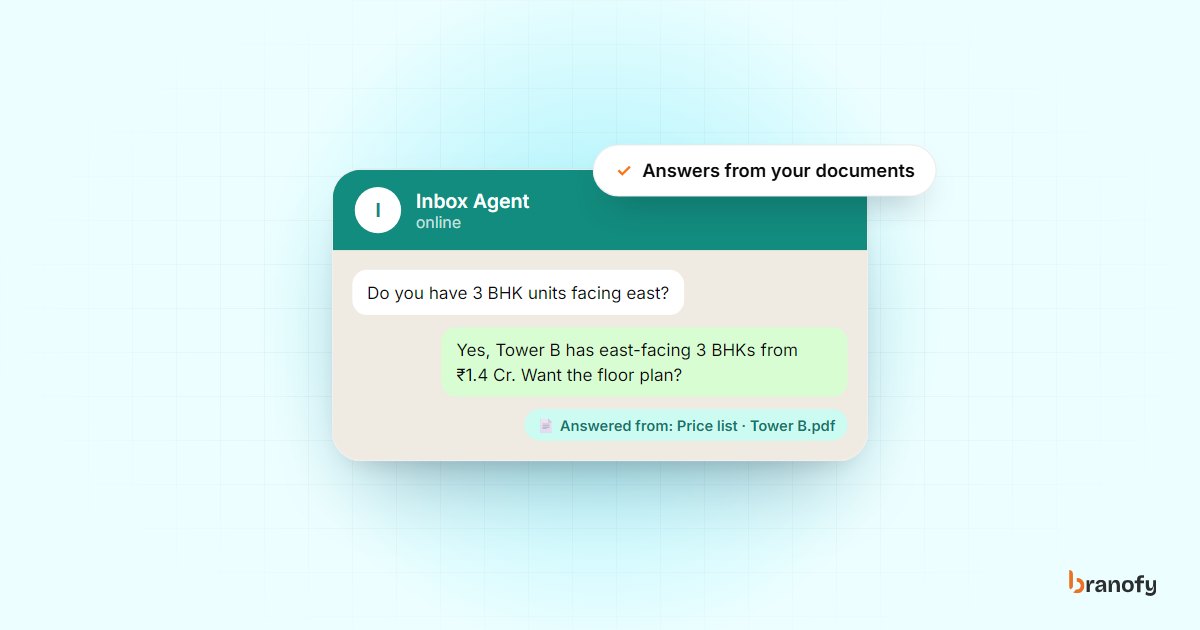
What is a RAG AI chatbot and how can it help your business?
A RAG chatbot answers customer questions from your own documents instead of guessing. What RAG means in plain words, and how Indian businesses can use it well.
January 16, 2026
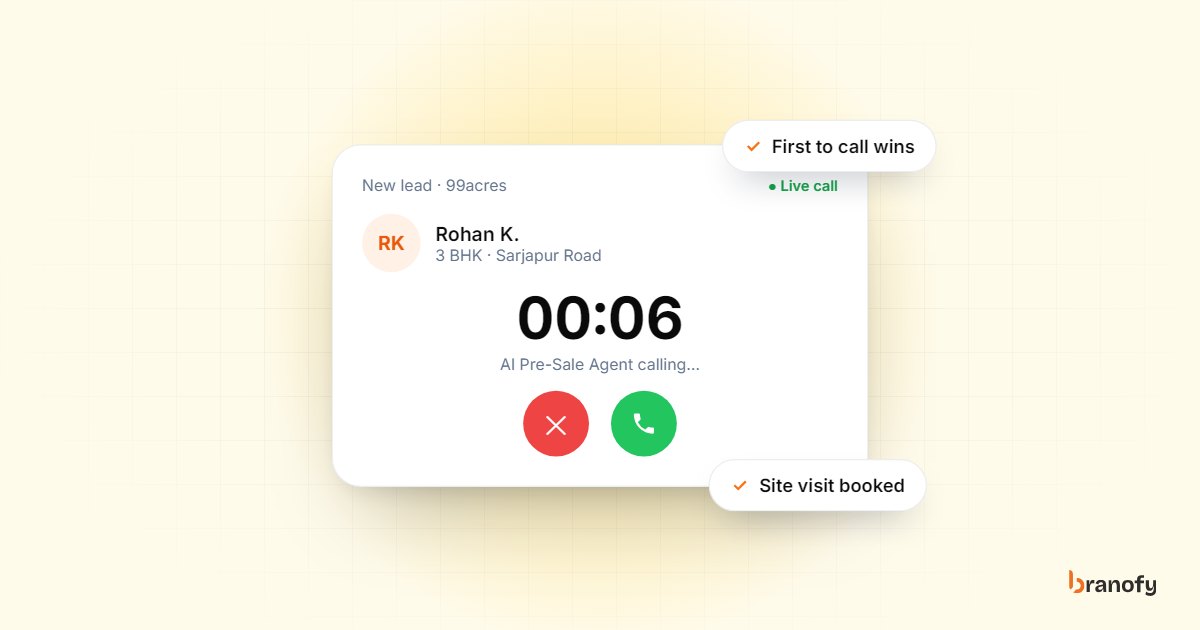
Speed-to-lead in Indian real estate: why the first call wins
Indian property buyers enquire with several projects at once, and the developer who calls first usually books the visit. How to get your response time down.
October 27, 2026
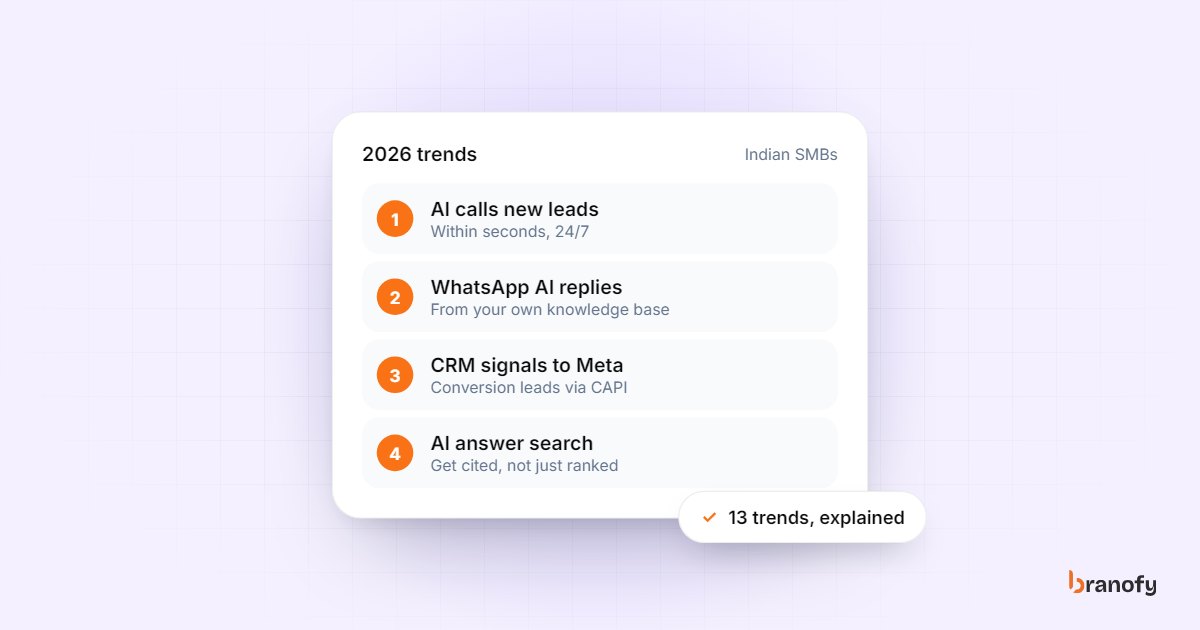
13 AI marketing automation trends for Indian SMBs in 2026
The AI marketing automation trends that matter for Indian SMBs buying leads from Meta, Google and portals in 2026, and which ones to act on first this year.
February 3, 2026