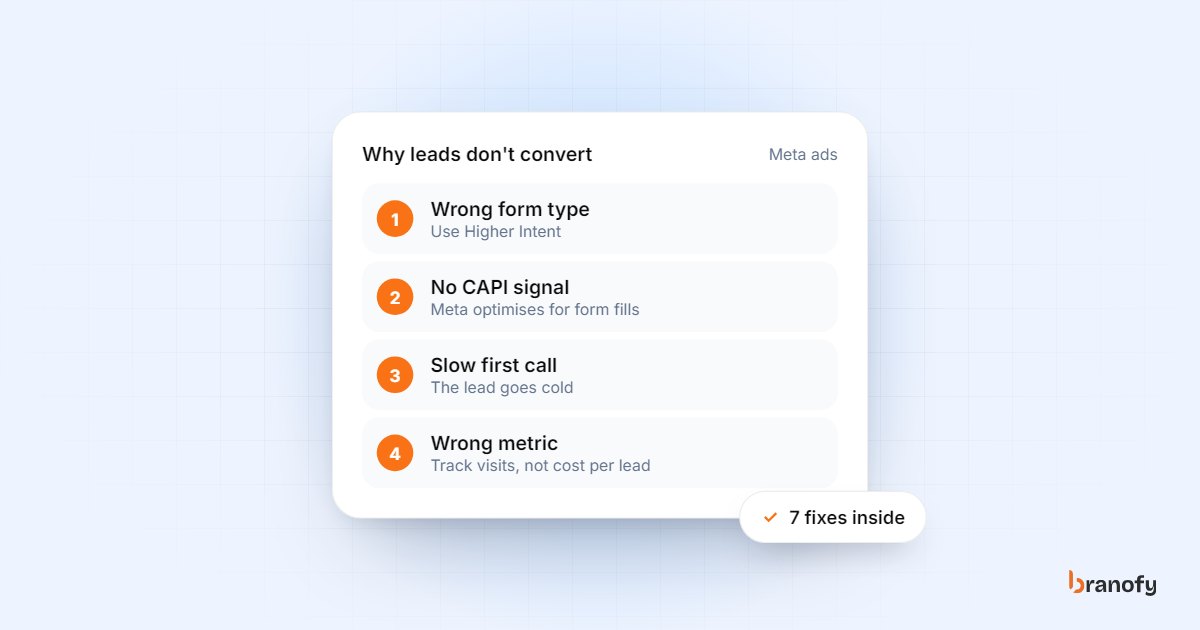
Why your Facebook (Meta) ads aren't converting in 2026
On this page
Most Meta ads that "don't convert" are actually getting leads, just not leads that turn into calls, visits or sales. The usual causes are an instant form built for volume rather than intent, a campaign that is only told about form fills and never about real buyers, and follow-up that happens hours after the enquiry. Fix those three before you touch your creative or your budget.
This guide is for Indian businesses running Meta lead campaigns: developers, clinics, coaching institutes, car dealers, travel agencies and interiors firms.
First, find out where it is breaking
"Not converting" means different things in different accounts. Before changing anything, look at the last 30 days and work out which of these is true:
- No leads at all, or very few. This is a delivery, creative or offer problem.
- Plenty of leads, but people don't answer. This is usually a lead quality or response-time problem.
- People answer, but don't book. This is a qualification, offer or sales-script problem.
- People book, but don't show up or buy. This is a follow-up and expectation problem.
Each stage has a different fix. A very common pattern sits in the second and third groups: the cost per lead looks fine, but the sales team says the leads are "junk". That usually means Meta is doing exactly what it was asked to do: find people who fill forms cheaply.
Reason 1: your instant form is built for volume
Meta instant forms come in more than one type. Meta's help page on instant form types describes More Volume, which is quick to fill and submit on a phone, and Higher Intent, which adds a review step so people confirm their details before submitting.
More Volume is the easy option, and that is the problem. When a form is pre-filled and one tap from submission, you also collect accidental taps, people who were curious for a second and people who don't remember enquiring when you call.
What to change:
- Switch to Higher Intent on campaigns where lead quality matters more than lead count. Expect fewer leads; judge it by cost per qualified lead, not cost per lead.
- Add one or two qualifying questions with multiple-choice answers. For a developer: budget band and preferred configuration. For a coaching institute: course and batch timing. For a clinic: treatment and preferred location. Short answers keep the form usable while filtering out people who aren't a fit.
- Say the price or price band in the ad or the form intro if you can. People who can't afford it drop out before they become a lead you pay for.
- Use the form's intro and thank-you screen properly. Tell people what happens next ("our team will call you within a few minutes from a Bengaluru number"). A lead who expects the call is more likely to answer it.
Reason 2: Meta only knows about form fills
If your campaign is optimised for leads, Meta's delivery system learns from one signal: someone submitted a form. It has no idea which of those people became a site visit, an admission or a booking, so it keeps finding more people who look like form fillers.
The fix is to send your sales outcomes back to Meta. Meta's Conversions API for CRM integration lets you report lead stages from your CRM (for example qualified, visit booked, converted) and use the conversion leads performance goal, so delivery optimises towards people who move down your funnel rather than people who only fill the form.
Meta's own guidance lists a few conditions for this to work well:
- Generate at least 200 leads a month.
- The stage you optimise for should happen within 28 days of the lead.
- That stage should convert at between 1% and 40% of leads.
- Expect a learning period of around 2 to 4 weeks before you see the full effect.
All four points come from the same Meta developer documentation. If you are below 200 leads a month, it is still worth recording outcomes in your CRM from day one so you have clean data when volume grows.
This only works if your team actually updates lead status. A CRM where every lead sits at "New" sends Meta nothing useful. Keep the stages few and clear, and make updating them part of every call.
We cover the wider idea in our guide to growth marketing optimised for meetings and site visits, which is how we run Meta campaigns for clients.
Reason 3: targeting is too narrow, not too broad
The old advice was to stack interests and demographics until the audience was small and "precise". That advice has aged badly.
By default, new campaigns now use Advantage+ audience, where Meta's AI treats your audience selections as suggestions and can go beyond them to find likely customers. You can still set hard limits that it will not cross, such as location, minimum age, language and custom audience exclusions.
In practice, for most Indian SMBs:
- Set hard limits only for things that are truly non-negotiable. A clinic in Pune cannot serve patients in Kolkata, so location is a real limit. "Interested in luxury" is not.
- Let the creative do the targeting. An ad that names the configuration, the locality (say, Whitefield) and the starting price will mostly attract people looking for exactly that. The words and price in the ad filter better than an interest checkbox.
- Exclude existing customers and recent leads with custom audiences so you don't pay to reach people already in your pipeline.
- Feed it better signals (Reason 2) rather than trying to out-guess the system with narrower audiences.
Broad targeting works when it is paired with strong CRM signals.
Reason 4: the creative attracts the wrong people
Creative is now the strongest targeting lever you have, so think about who each ad will attract, not just how many.
- Be specific. Name the location, the product, the price band and who it is for. Vague "dream home" or "best coaching" ads attract vague interest.
- Show the real thing. Actual site photos, the real clinic, the real classroom. Stock images bring in people who didn't really look.
- Match the language to the audience. If your buyers are more comfortable in Kannada, Telugu or Hindi, test creative in that language.
- Run several genuinely distinct concepts, not one image with different headlines.
If your ads send people to a website instead of an instant form, the landing page has to carry the same message, load fast on a mobile connection and make it easy to call or WhatsApp you. Our website team builds pages for exactly this kind of ad traffic.
Reason 5: you call back too late
This is the one most teams underestimate. Someone fills your form at 9:40 pm while scrolling. They also filled two competitors' forms that evening. Whoever calls first, while the person still remembers the ad, has the best chance of booking.
If your callbacks happen the next afternoon, you can have perfect targeting and still lose. The person doesn't remember you, has already spoken to someone else, or simply doesn't pick up an unknown number.
What to change:
- Get leads into your CRM instantly, not via a spreadsheet downloaded twice a day.
- Give every lead an owner within a minute, with a fallback if that person is busy.
- Decide what happens at night and on Sundays. That is when many people browse.
- Follow up unanswered calls with a WhatsApp message that explains who you are and why you are calling.
Branofy's Pre-Sale Agent calls every new lead within 10 seconds, day or night, asks your qualifying questions and marks the lead HOT, WARM or COLD with a summary for your team. Our piece on speed-to-lead in Indian real estate explains why the first minutes matter so much.
Reason 6: nobody qualifies the lead consistently
Even good leads are lost when every salesperson asks different questions, or none. Agree on four or five questions every first call must answer, and record the answers in the CRM:
- What exactly are you looking for?
- What budget range are you considering?
- When do you want to buy, join or book?
- Which location suits you?
- Are you deciding yourself, or with someone else?
These answers tell your team who to prioritise, and they become the "qualified" stage you send back to Meta.
Reason 7: you are judging the wrong number
Cost per lead is the number Ads Manager shows most prominently, so it is the one most people optimise. It is also the one that misleads most often. A campaign with a low cost per lead and almost no visits is worse than one with a cost per lead several times higher that books visits every week.
Track these instead, by campaign:
| Metric | What it tells you |
|---|---|
| Contact rate | Share of leads you actually spoke to. Low means poor lead quality or slow calling. |
| Qualified rate | Share of contacted leads that fit your criteria. Low means the form or creative attracts the wrong people. |
| Cost per qualified lead | Ad spend divided by qualified leads. A fairer comparison between campaigns than cost per lead. |
| Cost per meeting or visit | Ad spend divided by meetings, visits or appointments that happened. |
| Time to first call | From form submission to first dialled call. The fastest fix most teams have. |
You can only get these numbers if leads, calls and stages live in one place. That is the reason we built Lead Navigator to keep the CRM, AI calling, WhatsApp and follow-ups together, and to send qualified outcomes back to Meta through CAPI on the Pro plan. Plans are on the pricing page.
Frequently asked questions
Should I use Higher Intent forms for every campaign?
+
Not necessarily. Higher Intent adds a review step, so you will usually get fewer leads. Use it where your sales team's time is the bottleneck and lead quality matters most, and compare campaigns on cost per qualified lead rather than cost per lead.
Is broad targeting really better than detailed interests?
+
For most lead campaigns, giving Meta room to find people works better than stacking narrow interests, as long as your creative is specific and you send real sales outcomes back. Keep hard limits for things that genuinely matter, such as location and language.
What is the Conversions API, in simple terms?
+
It is a way to send events from your own systems, such as your CRM, to Meta. For lead ads, that means telling Meta which leads became qualified, visited or bought, so it can find more people like them instead of more people who simply fill forms.
My cost per lead went up after these changes. Is that bad?
+
Not if your cost per qualified lead or cost per visit went down. Filtering out low-intent people usually raises cost per lead. Judge the change on the outcomes your business actually earns from.
How fast should we call a new Meta lead?
+
As fast as you can reliably manage, ideally within minutes and including evenings and weekends. Leads called while they still remember the ad are much easier to reach and qualify than leads called the next day.
How Branofy does this for you
Branofy fixes lead quality from your ads
- We run Meta and Google campaigns optimised for meetings and site visits, not just cheap form fills.
- Meta Conversions API sends your qualified leads back to Meta, so it finds more people like your real buyers.
- Every lead is called within 10 seconds, so the leads you pay for don't go cold.
Want this working for your leads?
Leave your details and we'll call you back to show Branofy on your own lead flow.
Related Articles
High-converting landing page elements for Indian ad traffic
The landing page elements that turn Meta and Google ad clicks into real enquiries in India: message match, speed, short forms, WhatsApp, trust and follow-up.
January 28, 2026
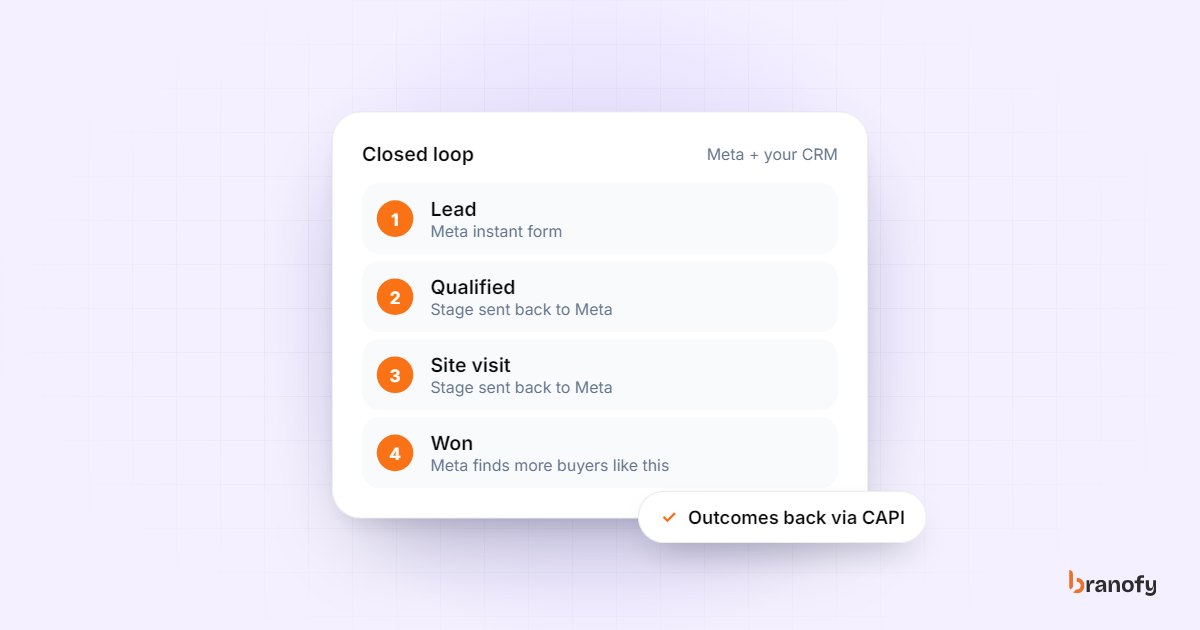
The ultimate guide to closed-loop marketing for Indian SMBs
What closed-loop marketing means, how to send qualified, visited and won leads back to Meta via CAPI, which CRM stages to track, and how to report by campaign.
December 10, 2025
Speed-to-lead in Indian real estate: why the first call wins
Indian property buyers enquire with several projects at once, and the developer who calls first usually books the visit. How to get your response time down.
October 27, 2026