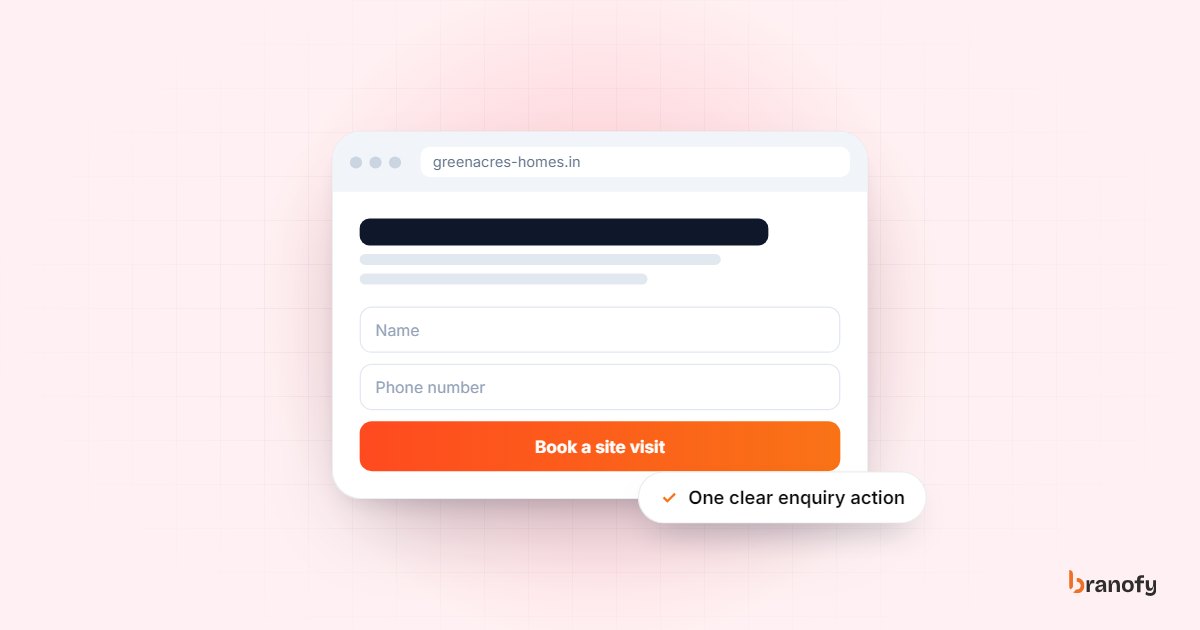
High-converting landing page elements for Indian ad traffic
On this page
The landing page elements that convert Indian ad traffic are message match with the ad, a page that loads fast on a mid-range phone, a short form, a WhatsApp or click-to-call option, visible trust signals, and an instant response after the form is submitted. Clever design matters far less than these basics. Most pages that "don't convert" are failing on two or three of them at once.
This guide is for businesses running Meta and Google ads to a landing page: developers, interiors firms, clinics, coaching institutes, car dealers and travel agencies. It walks through each element, what good looks like, and how to check your own page.
Start with what the visitor just saw
Message match
A visitor who clicked an ad for "2 BHK near Whitefield from ₹85 lakh" expects to land on a page about 2 BHK flats near Whitefield at that price. If they land on a generic homepage with a slider of five projects, they have to search for what they came for. Most will not bother.
Message match means the headline, the main image and the offer on the page repeat what the ad promised, in the same words where possible. If you run three ad angles (price, location, possession date), you usually need three versions of the page, or at least three headlines.
A quick check: open your ad and your landing page side by side on your phone. If someone who saw only the ad would not instantly recognise the page as "the thing I clicked", fix the headline first.
One page, one action
A landing page for ad traffic should ask for one thing: an enquiry, a call, a site visit or a consultation booking. Navigation menus, links to your blog and five different buttons all give the visitor a way out.
Keep your logo, but remove the full site menu. Every button on the page should lead to the same action.
Build for the phone your buyer actually uses
Mobile speed
Almost all Meta traffic and most Google traffic in India arrives on a phone, often on a patchy 4G connection. A page that looks beautiful on the office monitor and takes several seconds to load on a mid-range Android phone loses people before they see the headline.
Google's own research found that 53% of mobile visitors leave a page that takes longer than three seconds to load. That study dates from 2016 and is not India-specific, but the direction has not changed: slow pages waste ad spend.
What usually slows landing pages down:
- Large, uncompressed hero images and background videos.
- Page builders that load scripts for features you do not use.
- Too many tracking tags firing before the page shows anything.
- Chat pop-ups and sliders that load before the main content.
Test the page on a real phone on mobile data, not just on office Wi-Fi. Google's free PageSpeed Insights tool will also show what is slowing it down.
Readable without zooming
Use a large headline, short paragraphs and buttons big enough to tap with a thumb. Put the price range, location or key benefit above the first scroll. If visitors have to pinch to read the price, they will scroll away instead.
The form: shorter is usually better
Ask only what you need for the first call
Every extra form field gives the visitor another reason to stop. For most businesses, the first form needs three or four fields:
- Name
- Mobile number
- One qualifying field (budget range, preferred location, course, treatment or travel month)
- Optional: preferred time to call
Everything else, such as the exact budget, family size, possession timeline or decision-maker, is better asked on the first call, where you can explain why you are asking.
Make the qualifying field a choice, not a text box
A dropdown or a set of buttons ("Under ₹50 lakh", "₹50 lakh to ₹1 crore", "Above ₹1 crore") is faster to fill and gives you cleaner data than a free text box. It also quietly filters out people who are far outside your range.
Short form, but not careless
There is a trade-off. A very short form brings more enquiries but also more low-intent ones. If your sales team complains about junk leads, the fix is usually one well-chosen qualifying question, not five extra fields. The same logic applies to Meta instant forms, where you can add a qualifying question and choose the higher-intent form type.
Give people a faster way to reach you
Many Indian buyers would rather message or call than fill a form. A good landing page offers both:
- WhatsApp button. Opens a chat with your business number and a pre-filled message such as "Hi, I saw your ad for the Sarjapur project." Make sure someone, or something, replies quickly.
- Click-to-call button. Especially useful for clinics, car service and urgent enquiries. Only show it if the number is actually answered.
- Sticky bar on mobile. A small bar at the bottom of the screen with "Call" and "WhatsApp" keeps the action one tap away as the visitor scrolls.
The risk with WhatsApp and call buttons is that enquiries arriving there often never reach your CRM. Decide how they will be tracked before you add them.
Show why you can be trusted
Visitors from ads do not know you yet. The page has to answer "Is this real, and is it safe to share my number?" without them asking.
Trust signals that work in India
- Registration details where relevant. RERA number for real estate projects, registration details for clinics, affiliation for coaching institutes.
- Real photos. The actual site, showroom, clinic or classroom, not stock images.
- Genuine reviews. A few real Google reviews with names, or a link to your Google Business Profile.
- Address and map. A physical address in a named area (JP Nagar, Kharadi, Gachibowli) reassures people that you exist.
- Clear pricing or a price range. "Starting ₹65 lakh" or "Consultation ₹500" builds more trust than "Call for price".
Avoid fake urgency
"Only 2 units left!" on a page that has said the same thing for six months damages trust. If there is a genuine deadline, such as a launch price or an open day, state it plainly with a date.
Write the page for a busy reader
Most visitors skim. Structure the page so someone who reads only the headings still understands the offer:
- Headline that repeats the ad's promise.
- Sub-headline with the key fact (price, location, duration, outcome).
- Form or main button visible on the first screen.
- Three to five benefits as short bullet points.
- Proof: photos, reviews, registrations.
- Answers to common objections: loan support, payment plans, timings, fees, refund policy.
- The form or button again at the bottom.
Write in the language your buyers use. If most of your enquiries come from Hindi or Kannada speakers, a page or at least a headline in that language is worth testing.
The element most pages miss: what happens after the form
A landing page's job does not end when the form is submitted. The enquiry is only worth something if someone speaks to the person while they are still interested. Buyers often fill several forms in one sitting, so the business that responds first has the advantage. Our guide to lead response time statistics covers the research on this.
The thank-you page
Do not just say "Thank you, we will get back to you." Tell the visitor what will happen next ("You will get a call from our team in the next few minutes"), and give them something useful: the brochure, the price sheet or a WhatsApp link.
Instant follow-up
The fastest pages are connected straight to the CRM, so the lead arrives with its source and campaign attached and someone is alerted immediately. Branofy's Lead Navigator captures leads from website forms and webhooks as well as Meta and Google ads, and the Pre-Sale Agent calls every new lead within 10 seconds, day or night, asks your qualifying questions and marks the lead HOT, WARM or COLD.
Telling Meta which leads were good
If your page is optimised only for form submissions, Meta will find more people who fill forms, whether or not they buy. Sending outcomes such as "qualified" or "site visit done" back to Meta through the Conversions API (CAPI) teaches the algorithm what a good lead looks like. This is a core part of how we run growth marketing for lead-based businesses.
How to check your own landing page
Run through this list on your phone:
- Does the headline repeat the ad's promise?
- Does the page load in a few seconds on mobile data?
- Is the form or main button visible without scrolling?
- Does the form have four fields or fewer?
- Is there a WhatsApp or call option, and is it answered?
- Are there real photos, reviews and registration details?
- Is a price or price range shown?
- Does the thank-you page say what happens next?
- Does the lead reach your CRM and get a response within minutes?
If you need a page rebuilt for speed and conversion, see our website service.
Frequently asked questions
What is the most important landing page element for ad traffic?
+
Message match. If the page does not instantly confirm what the ad promised, visitors leave before they reach the form, the trust signals or anything else. Fix the headline and first screen before changing anything further down the page.
How many fields should a lead form have?
+
For most Indian SMBs, three or four: name, mobile number and one qualifying question, with an optional preferred call time. Ask the detailed questions on the first call. If lead quality is poor, add one well-chosen qualifying question rather than several extra fields.
Should I use a landing page or Meta instant forms?
+
Both have a place. Instant forms are faster to fill and usually bring more leads at a lower cost, while a landing page gives you more room to explain and filter. Many businesses run both and compare cost per qualified lead, not cost per lead.
Does adding a WhatsApp button reduce form fills?
+
It can move some people from the form to WhatsApp, which is fine if those chats are answered quickly and tracked. The problem is only when WhatsApp enquiries sit unanswered or never reach your CRM.
How do I know if my landing page is working?
+
Measure cost per qualified lead and cost per meeting or site visit by page, not just conversion rate. A page with a lower conversion rate can still be better if the leads it brings are more likely to buy.
How Branofy does this for you
Branofy builds pages that convert
- We design fast, mobile-first websites and landing pages built around a single clear enquiry action.
- Every form connects straight into Lead Navigator, so new leads are called within 10 seconds.
- Pages are built to be read by Google and AI assistants, not just by visitors.
Want this working for your leads?
Leave your details and we'll call you back to show Branofy on your own lead flow.
Related Articles
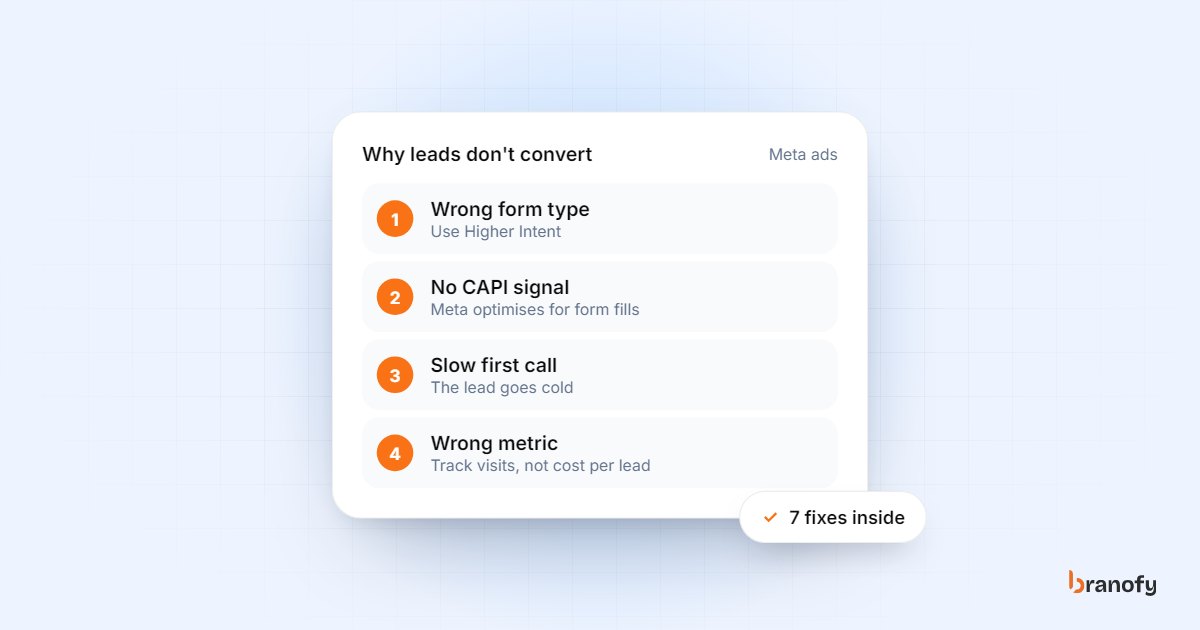
Why your Facebook (Meta) ads aren't converting in 2026
Cheap leads that never pick up the phone usually point to form settings, missing CRM feedback to Meta and slow follow-up. Here is how to fix each one.
January 4, 2026
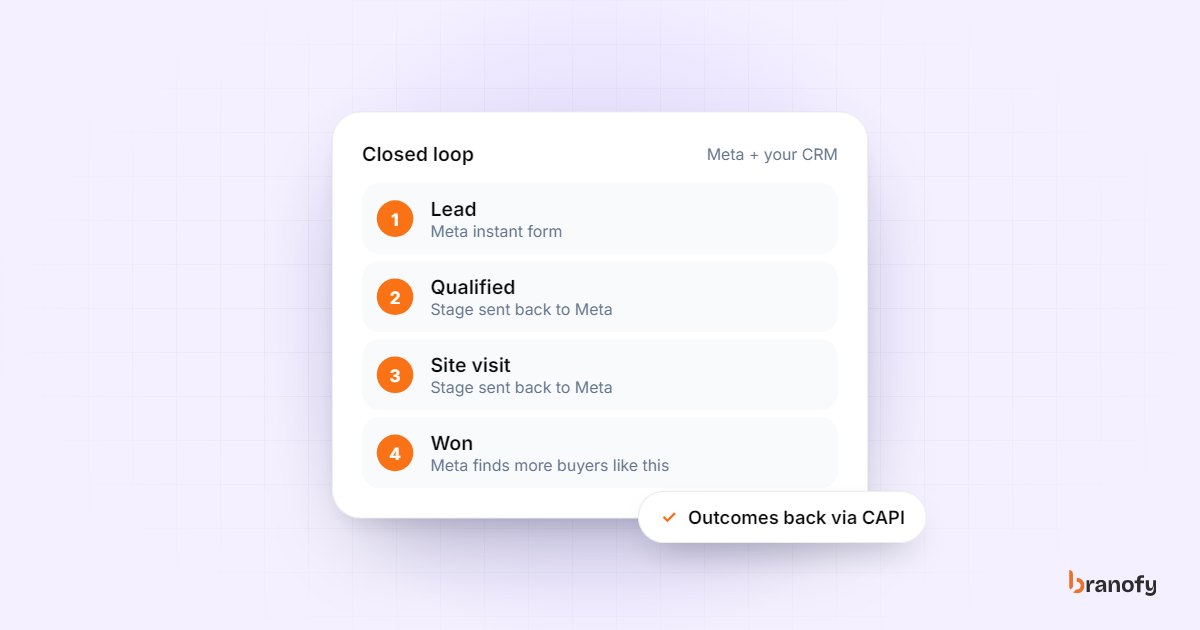
The ultimate guide to closed-loop marketing for Indian SMBs
What closed-loop marketing means, how to send qualified, visited and won leads back to Meta via CAPI, which CRM stages to track, and how to report by campaign.
December 10, 2025
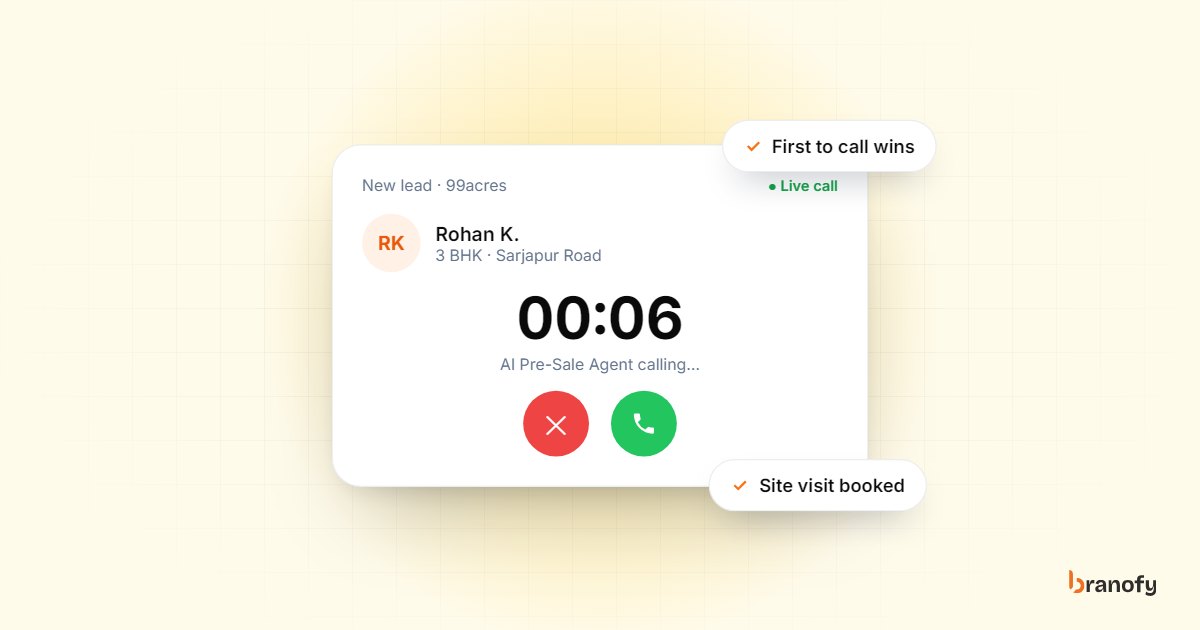
Speed-to-lead in Indian real estate: why the first call wins
Indian property buyers enquire with several projects at once, and the developer who calls first usually books the visit. How to get your response time down.
October 27, 2026